BadgeOut for Law Firms
Every billable minute, captured as it happens.
Start a timer on the matter, stop it when you switch, and the rounded time lands on the timesheet.
30-day free trial. No credit card required.
- Six-minute rounding, or 5, 10, 15, 30
- 0.1 hour
- To start a timer on any matter
- 1 tap
- Kept with its history and a reason
- Every rate
- Per timekeeper per month
- $8
Time you don't capture is time you don't bill.
A call that ran long. A quick review between meetings. Twenty minutes of drafting before lunch. Written up at the end of the day, they shrink. Written up at the end of the week, they disappear.
TimersPress start. Get back to the work.
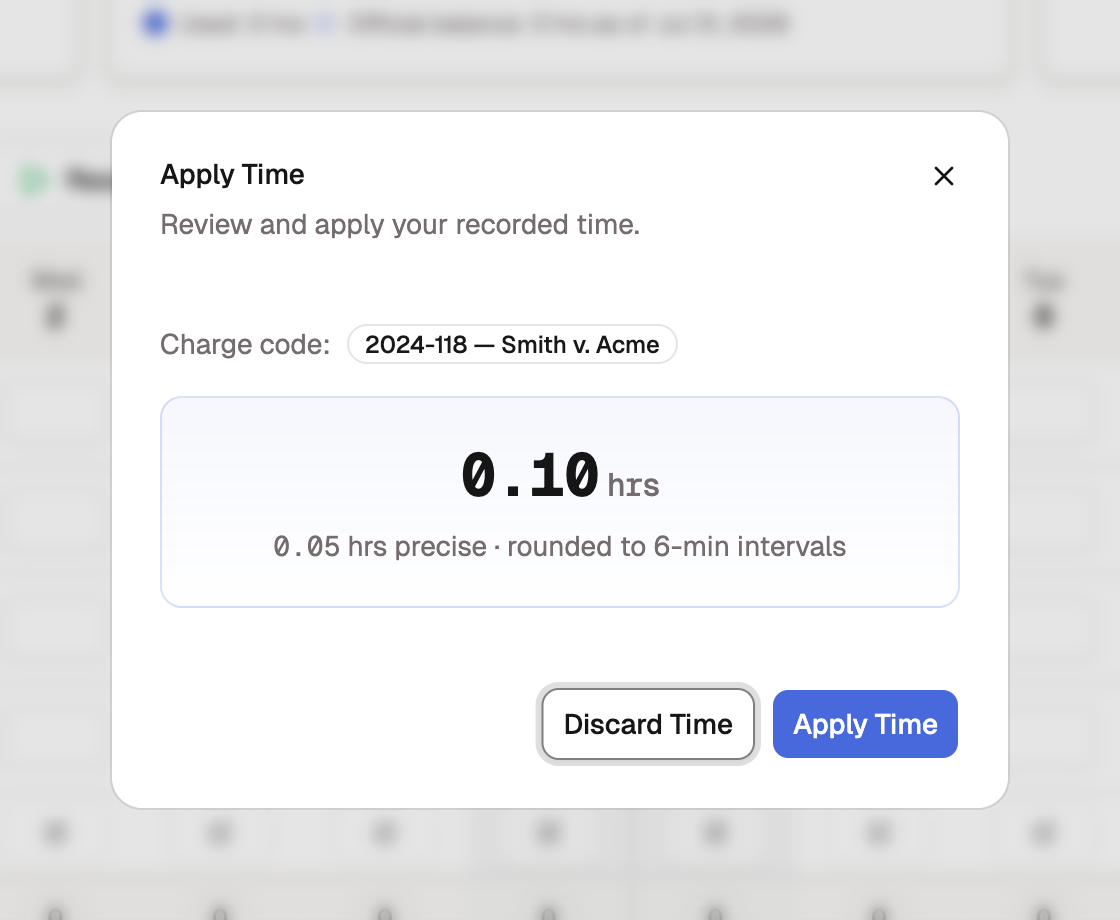
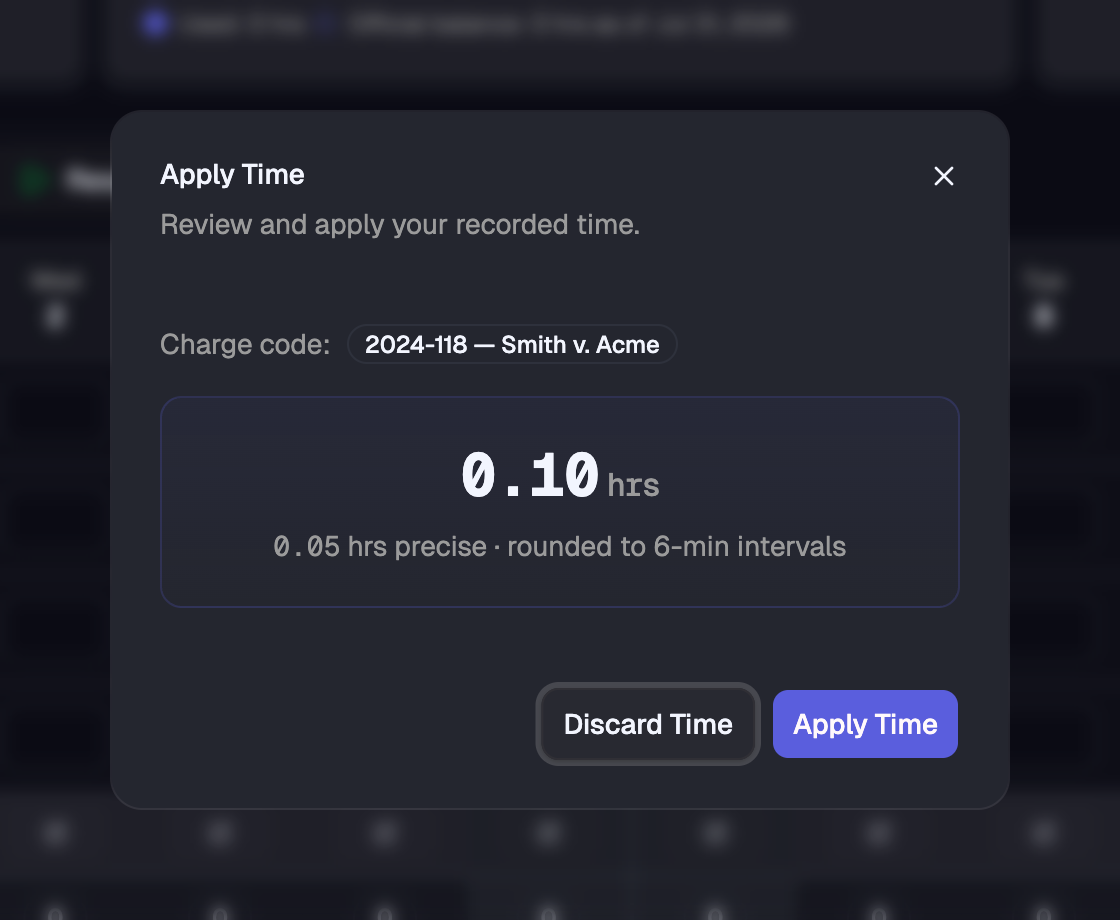
Pick the matter and start the timer; it stays with you at the bottom of the screen while you work. Pause for the interruption, stop when you switch. On stop, BadgeOut shows the exact duration and the rounded figure side by side and adds it to today's entry. Every start, pause, and stop is logged.
- Rounded to the matter's increment on stop
- Add to today's hours or replace them
- Works on your phone
RoundingYour increment, applied the same way every time.
Set six-minute rounding (0.1 hour) firm-wide, or per matter where an engagement letter says otherwise. An entry that does not land on the increment is flagged before it reaches billing, and the fix is one click.
- 5, 6, 10, 15, and 30-minute increments
- Per matter, per engagement, or firm-wide
- Mismatches flagged as high-severity anomalies
RatesRate changes with a paper trail.
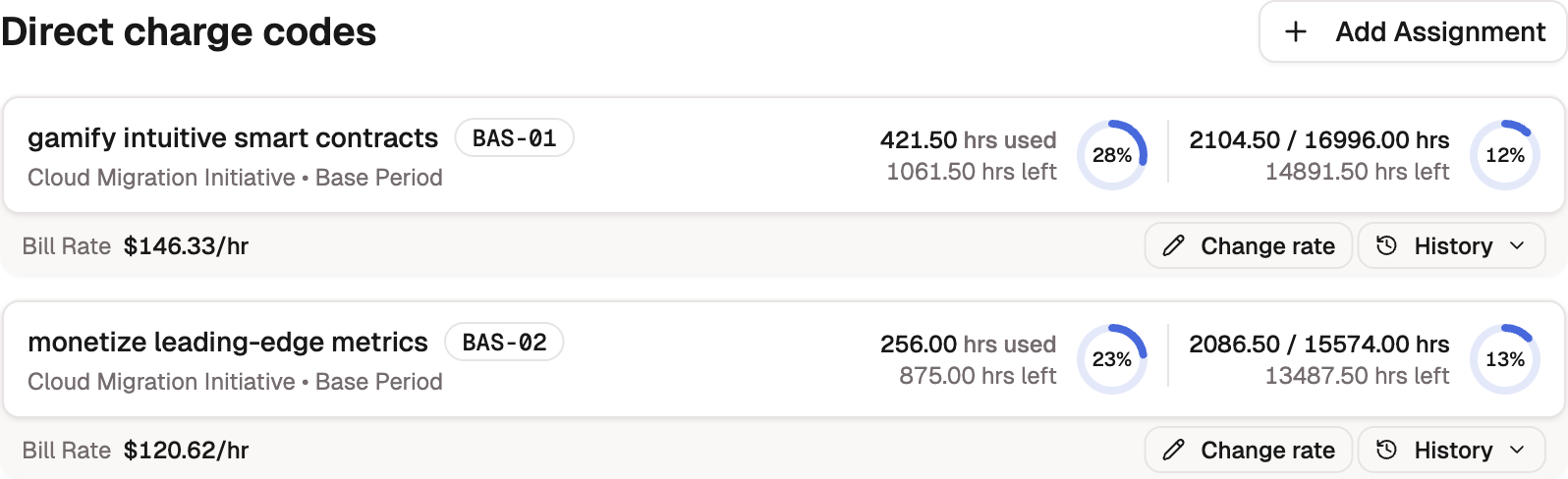
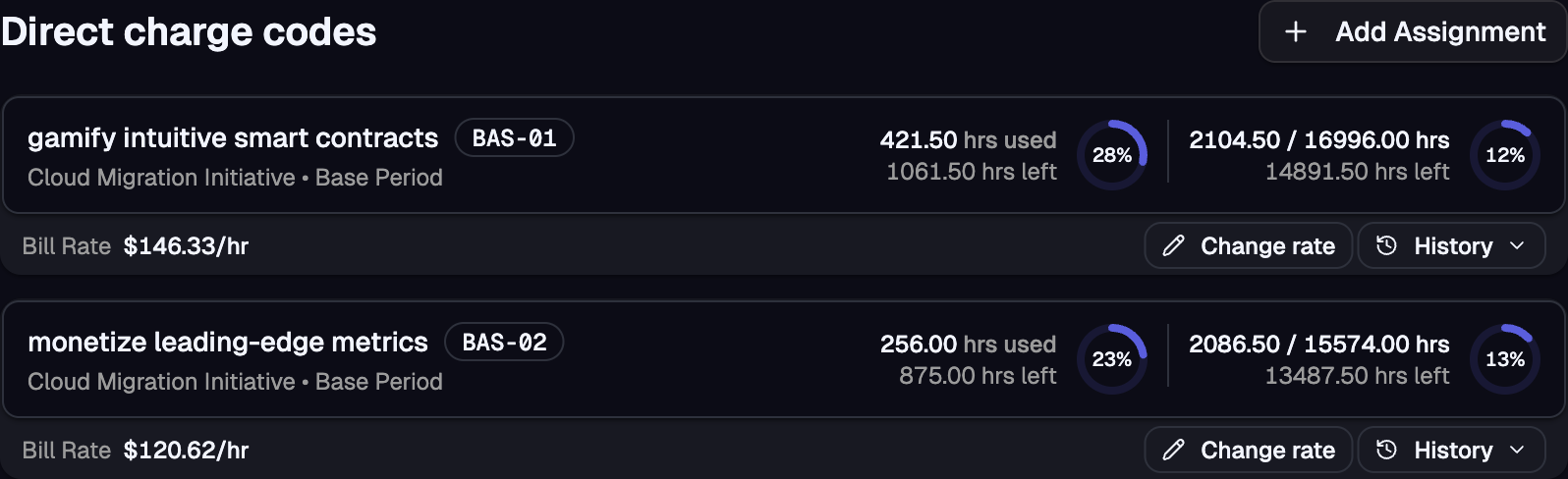
Each timekeeper carries a rate on each matter, with its full history: what the rate was, when it changed, who changed it, and why. When hours are approved, the rate in effect that day is locked to the entry, so a rate change next quarter never rewrites last quarter's bill.
- One current rate per timekeeper per matter
- A reason required on every change
- Bulk rate changes across a matter
BillingApproved hours, on the invoice.
Review and approve timesheets by pay period, then sync approved time and invoices to QuickBooks Online, mapped to your customers and service items. Revenue and billable utilization roll up on the dashboard across the trailing twelve months.
- Billed hours and revenue by period
- Utilization per timekeeper
- Bulk approvals (Plus)
And the rest of the job, handled.
- Audit trail
- Every entry, edit, and approval logged with who, when, and why.
- Sign in with Google
- No separate password to create or reset.
- PTO and leave banks
- Balances that accrue by period and attest at approval.
- Automatic reminders
- Nudge whoever has not submitted their timesheet, a set number of days before the cutoff.
- Custom fieldsPlus plan
- Client number, billing partner, or any field your invoices need.
- Bulk approvalsPlus plan
- Approve the whole firm's period at once, anomalies already resolved.
Questions & answers
One timer runs at a time. Pausing one and starting another takes two taps, and every switch is logged with a timestamp.
Yes. Choose 5, 6 (0.1 hour), 10, 15 (with the 7-minute rule), or 30 minutes, or no rounding. Set it firm-wide and override it per matter. When you stop a timer, you see the exact time and the rounded time before anything is saved.
BadgeOut syncs approved time and invoices to QuickBooks Online, and you bill from there. It does not produce LEDES files and does not handle trust accounting.
A project holds a client or engagement, a charge code is a matter, and each timekeeper is assigned to the matters they work on with a rate. Timekeepers only see the matters they are assigned to.
$40 per month on Starter ($8 per seat), with timers, rounding, rate history, approvals, and the QuickBooks sync included. The 30-day trial needs no credit card.
Yes. BadgeOut is a responsive web app; the timer and the stop dialog adapt to a phone screen, and there is nothing to install.
Still have more questions? Get in touch with our team.
Start the timer on your next matter.
Set up your firm in an afternoon. 30-day free trial, no credit card required.